Jewelry imagery.
Made your way.
Create product, try-on, lifestyle and campaign images from your jewelry references. Review the AI-assisted setup and give every piece a new setting.
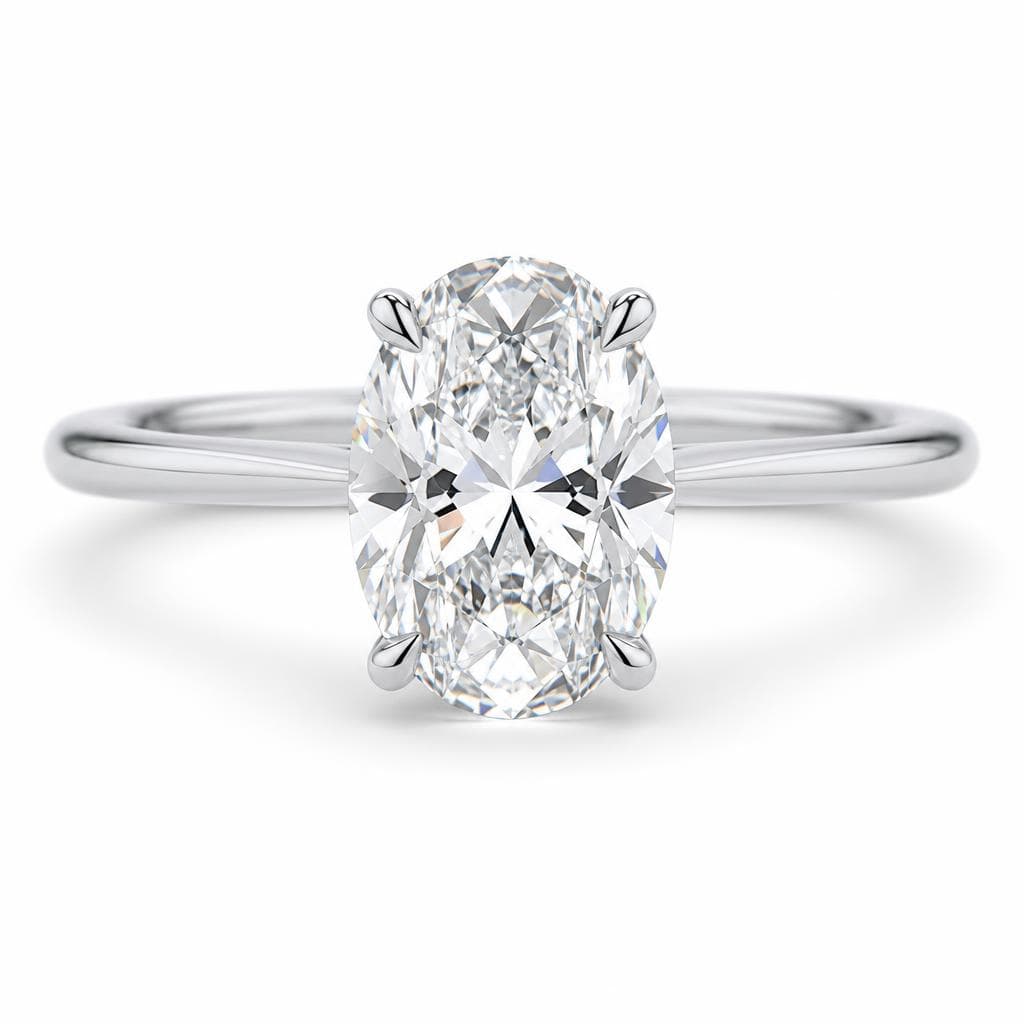

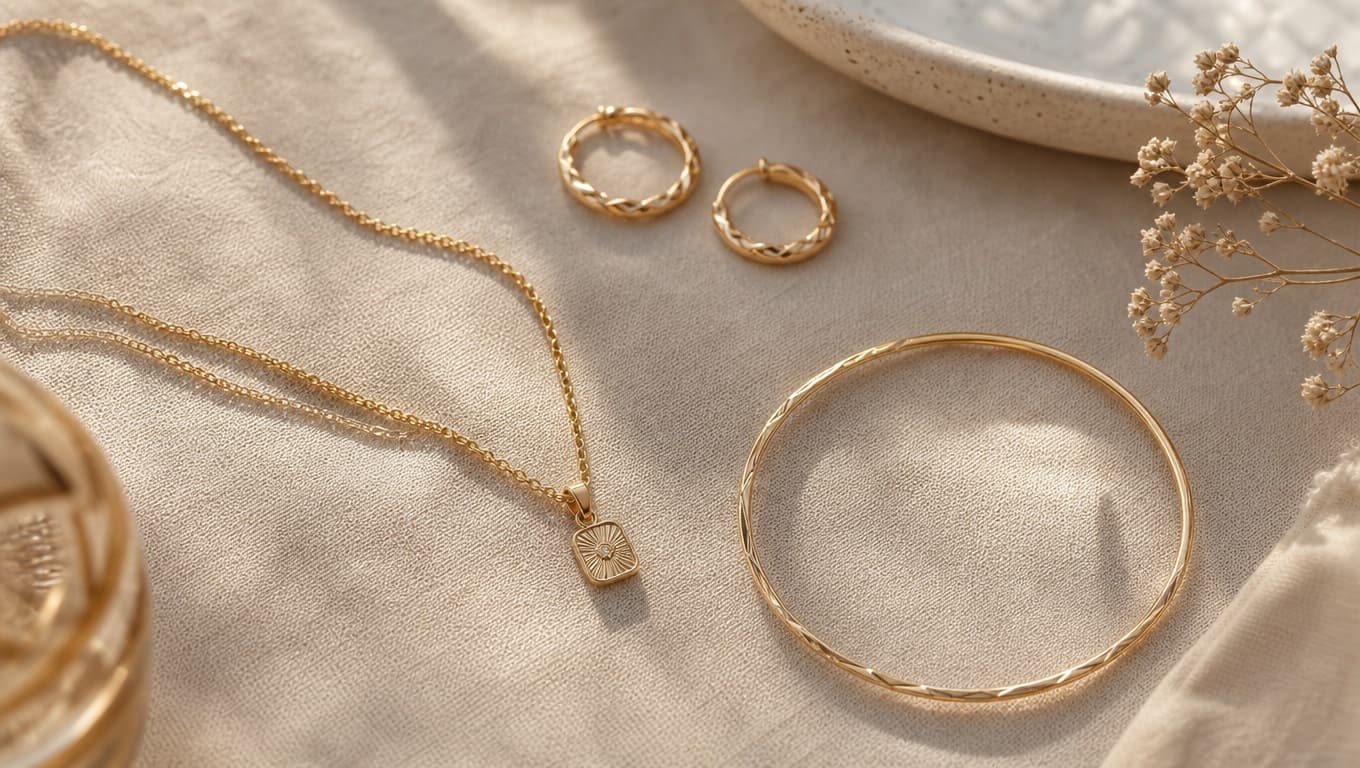

From one to five reference images. Jewelry-specific controls. Every result reviewed by you.
Give your collection
a different perspective.
Product, try-on, lifestyle and campaign concepts. These are illustrative images made with Studio.
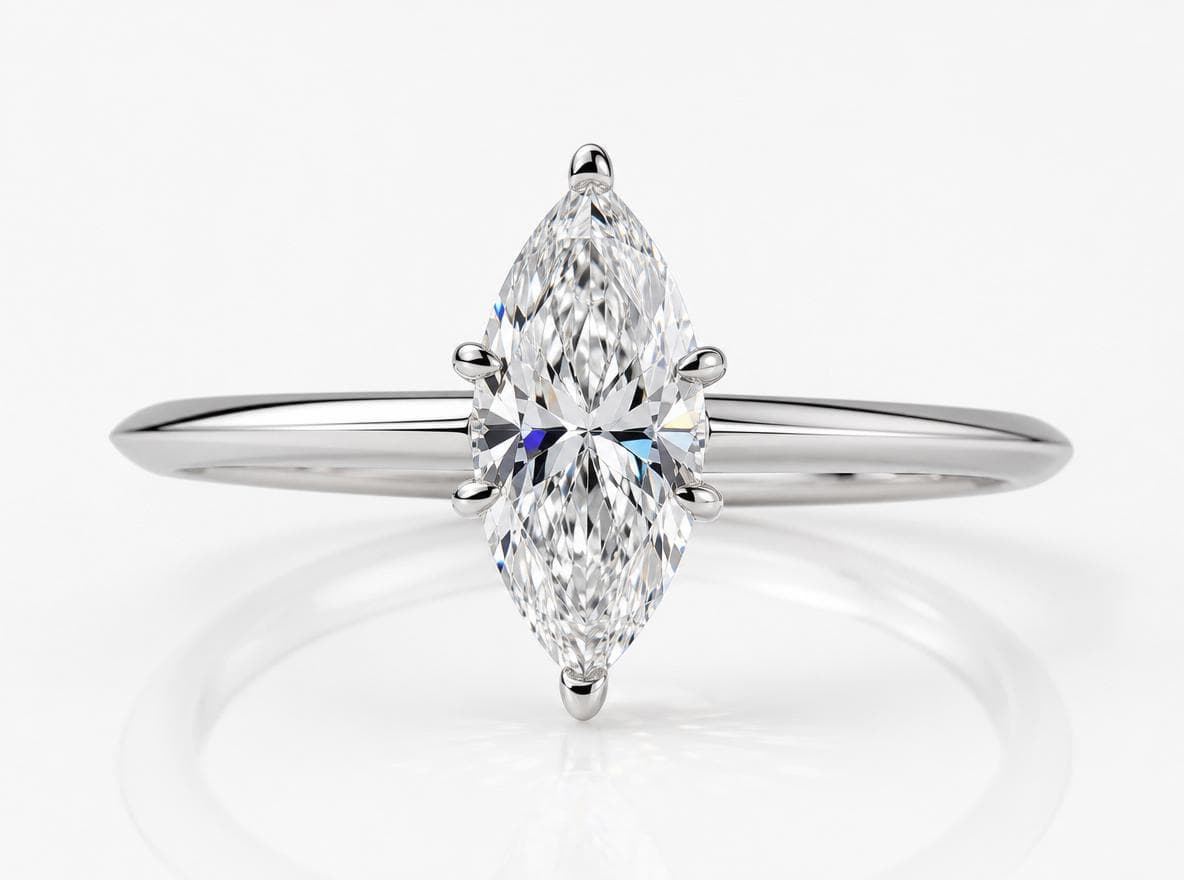
Product shot
Product-style image concepts for storefront and catalogue review.

Try-on
AI-generated try-on concepts with model and presentation controls.
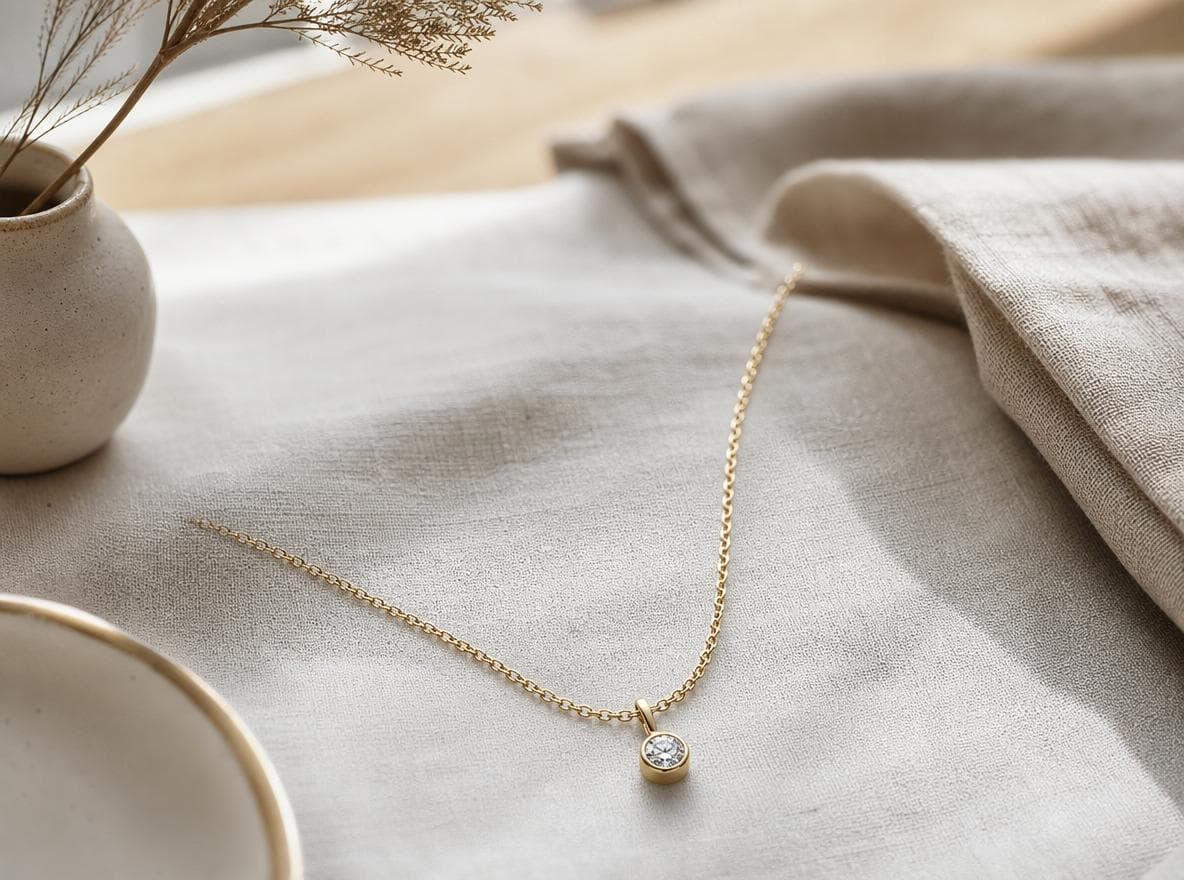
Lifestyle scene
Styled scene concepts that place the jewelry in a selected setting.

Campaign shot
Campaign-style visual concepts for lookbooks, ads and brand review.
It starts with
your reference.
You bring the jewelry. Studio helps you explore the image around it, with editable controls for the details that matter.
- 01
Add your references
Upload one to five product photos, photographed sketches or rendered images of your jewelry.
- 02
Review the details
AI analyzes visible jewelry details and pre-fills the controls. Review the form, metals, stones and settings, then edit the setup.
- 03
Choose a mode and generate
Create a product shot, try-on, lifestyle scene or campaign image. Review each concept before using it in your collection.
Room for your
next idea.
A monthly allocation for regular work, or a one-off pack for your next collection. All prices exclude VAT.
Starter
€39/month
200 credits every month
- Sized for a single-brand workload
- €0.195 per credit
- Unused credits roll over up to 400
Pro
Most chosen€99/month
600 credits every month
- Sized for regular collection work
- €0.165 per credit
- Unused credits roll over up to 1,200
Brand
€249/month
1,800 credits every month
- Sized for continuous campaign output
- €0.138 per credit
- Unused credits roll over up to 3,600
Credit expiry and rollover
Plan credits are valid for 60 days from each monthly grant. Unused credits roll over, up to 2 times your monthly allocation.
What a credit buys
1 credit produces one Basic-quality image; a High-quality image costs 2 credits. Variations and edits are charged at the quality of the image they start from.
Small Pack
€15
50 credits, one payment
- Credits never expire
- €0.30 per credit
Project Pack
€49
200 credits, one payment
- Credits never expire
- €0.245 per credit
Collection Pack
€129
600 credits, one payment
- Credits never expire
- €0.215 per credit
No expiry on packs
Pack credits never expire. They sit alongside plan credits, and credits that expire soonest are always spent first.
Try it with your own references
Your first 10 credits are free and valid for 30 days.
These are the published plan rates. Scope, access and any volume arrangement are confirmed in a written quote before work begins.
A few things
to know.
References, generation, commercial use and access. If you have a specific brief, talk to the team.
Talk to the teamWhat inputs can I upload?
Upload one to five image references, such as product photos, photographed or scanned sketches, or rendered image exports. Studio does not currently accept GLB, OBJ, STL, or other raw CAD files directly.
How long does a generation take?
Generation time varies with the selected mode, provider availability and processing queue. The workspace reports each image's status while it is being processed; no fixed completion time is guaranteed.
Can I use the images commercially?
Commercial use depends on the rights you hold in every source image and the terms agreed for your project. AI output is not a guarantee of trademark, design, likeness or other rights clearance, so confirm the intended use before publication.
Do you support try-on with specific skin tones and genders?
Try-On and Campaign modes include controls for male or female presentation and skin tone. Results are AI-generated and should be reviewed for suitability and accuracy before use.
Are paid plans, credits or subscriptions available?
Studio does not currently offer self-service paid plans, credit checkout or automated subscription billing. Start a project to discuss current access and a scoped imagery pilot.